Analysis · Google
Unpacking Android XR: Google's Vision for the Future of Smart Glasses
Google's recently released design guidelines for AI glasses pull back the curtain on Android XR, revealing a thoughtful approach to user interaction, interface design, and power management for the next generation of wearable tech.

Google has quietly released comprehensive design documentation for its upcoming Android XR platform, intended to guide developers building applications for new smart glasses. Published on February 17, 2026, these guidelines offer the first detailed look at how users will interact with Google's vision for wearable technology, covering interface elements, control schemes, and battery conservation strategies.
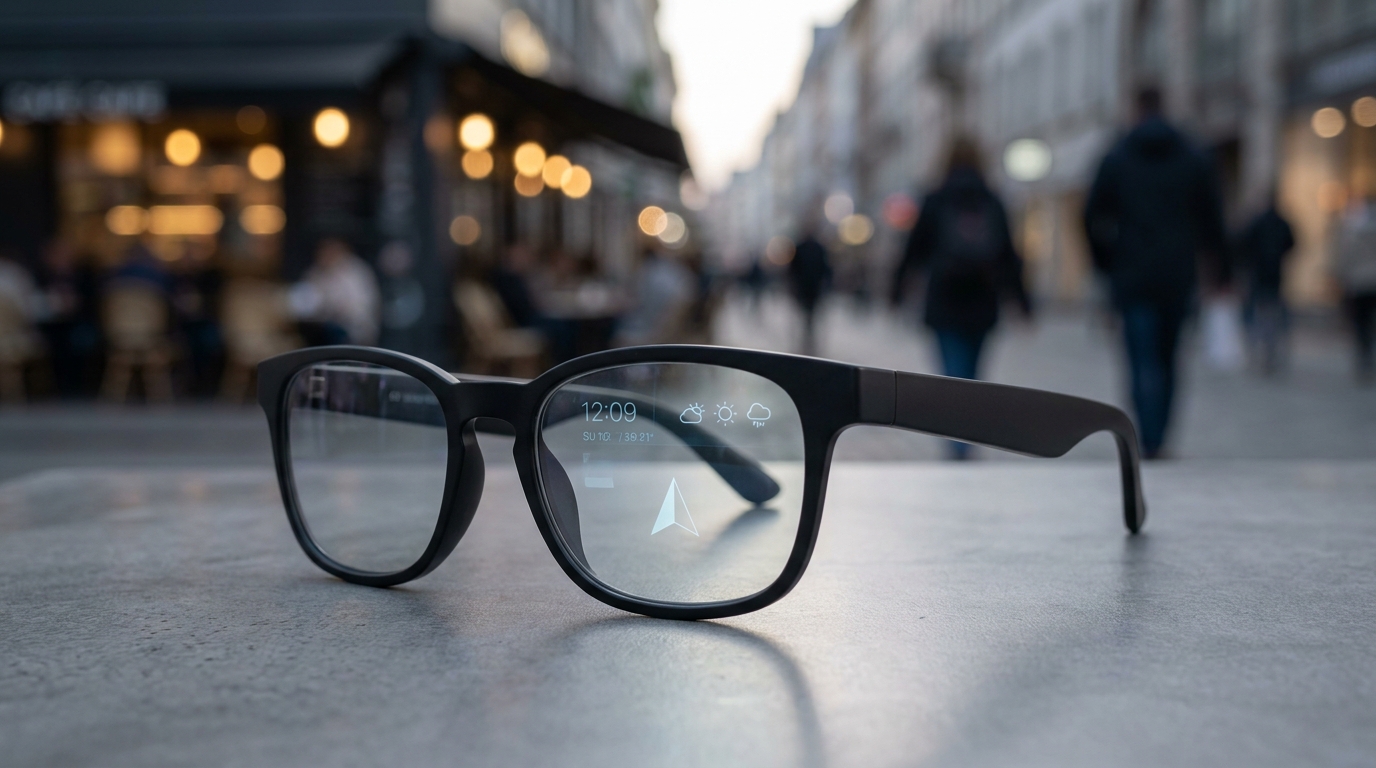
Aamir Siddiqui of androidauthority.com reports that Google's documentation outlines two primary form factors: 'AI Glasses' and 'Display AI Glasses with screens.' They note that while AI Glasses focus on audio and camera functions, Display AI Glasses incorporate a small screen, which users can toggle off. Aamir Siddiqui further specifies that these display models are categorized as 'monocular' for single screens and 'binocular' for dual screens, with the latter anticipated for a later release.
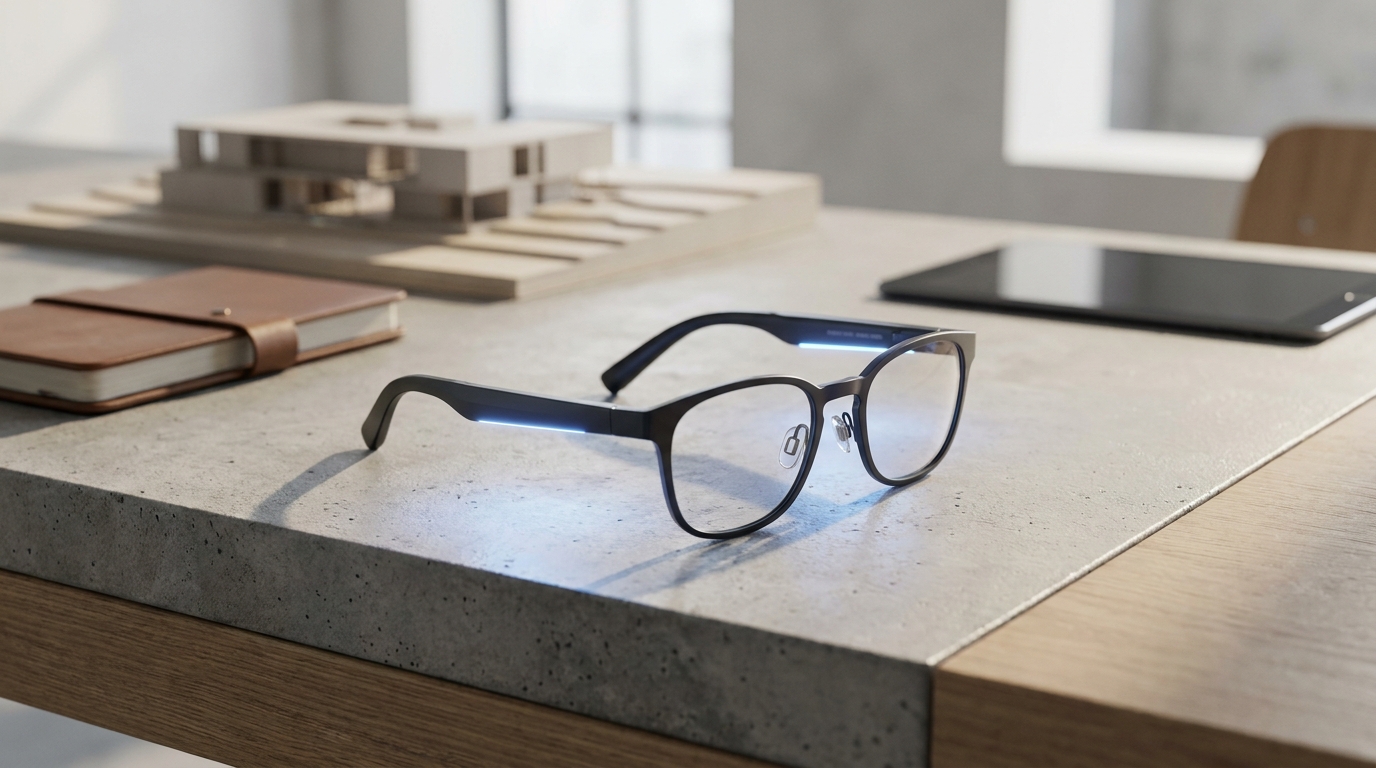
Regarding user interaction, Aamir Siddiqui highlights Google's mandate for several physical controls across all Android XR glasses. These include a dedicated power switch or button, a touchpad, and a camera button. Display-equipped models will also feature a specific display button, typically located on the underside of the stem, for screen control. Siddiqui explains that a single press of the camera button captures a photo, while holding it initiates video recording.
The touchpad serves multiple functions according to Siddiqui's report. A 'touch-and-hold' gesture on the touchpad, similar to a wake word, will activate Google's Gemini AI. For Display AI Glasses, a swipe down on the touchpad functions as a system back gesture. Across all device types, a two-finger swipe on the touchpad will adjust volume levels. Additionally, Siddiqui writes that Google requires all glasses to feature two unalterable LED indicators-one for the wearer and one for bystanders-to provide visual feedback on device status.
Aamir Siddiqui also delves into Google's UI design recommendations aimed at optimizing performance and battery life. They emphasize the use of rounded corners in interface elements and suggest power-efficient colors, such as green, to manage heat generation and conserve battery. These design principles underscore Google's focus on creating a comfortable and long-lasting user experience in its new wearable ecosystem.
Our take: The detailed release of these Android XR design guidelines signifies Google's serious commitment to the smart glasses category. Mandating specific physical controls and UI behaviors suggests an effort to standardize the user experience across various hardware partners, a lesson likely learned from the fragmented early days of Android on smartphones. The emphasis on power efficiency and subtle UI cues also indicates an understanding of the unique challenges and social considerations inherent in wearable technology. This strategic move could position Android XR as a foundational platform, much as Android became for mobile, shaping the future of augmented reality beyond mere display devices.
Interactive guide — prices, displays, cameras, battery.
Share this story