ガイド · Meta· (English original)
Ray-Ban Meta Battery Life: Ratings and Settings Explained
Gen 1, Gen 2, Gen 3 and Audio battery ratings, charging-case limits and battery-saver trade-offs. A documented guide with a repeatable test method.
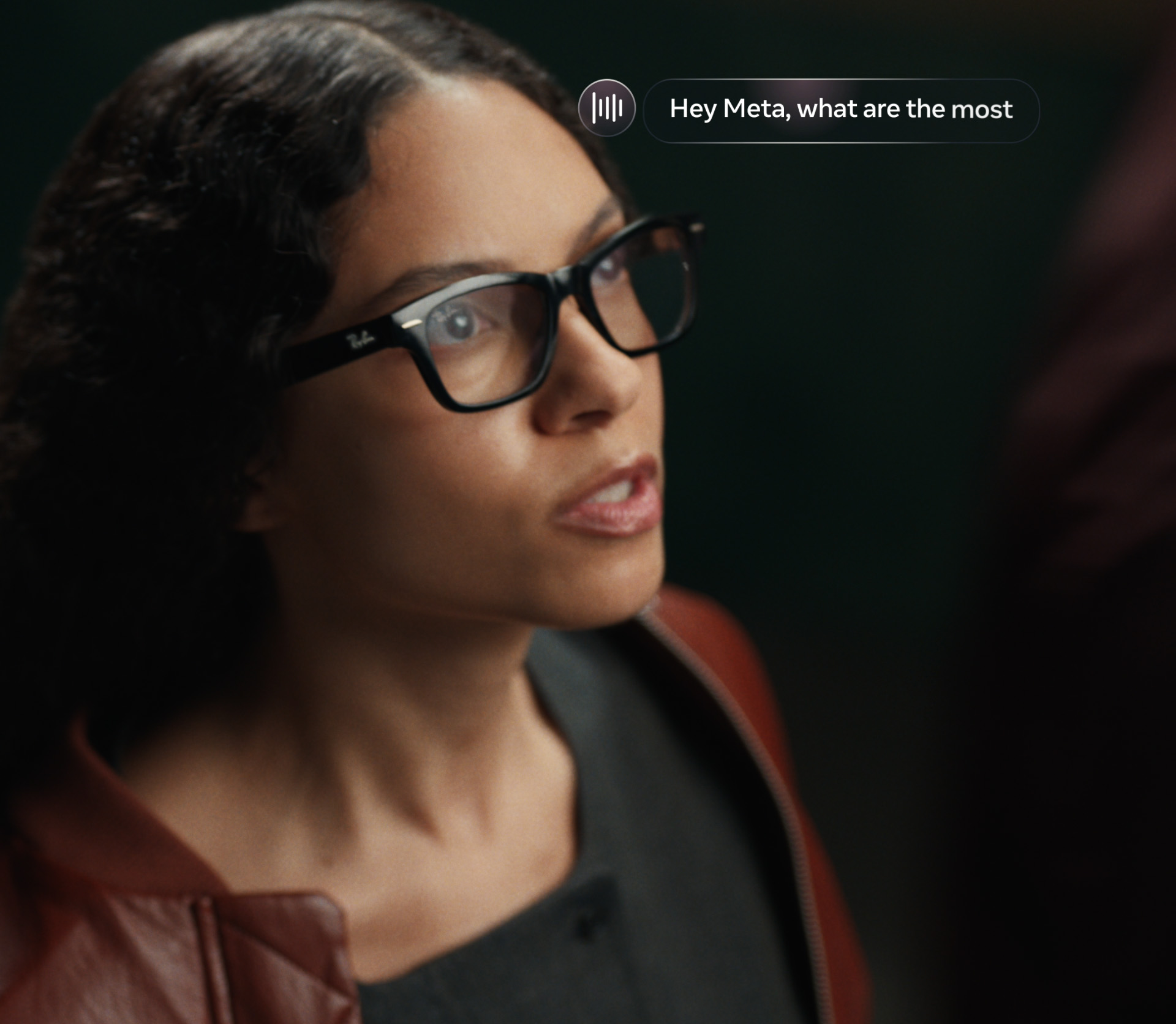
Ray-Ban Meta battery life ranges from up to four hours on Gen 1 to up to nine hours on Gen 3 for moderate use, according to Meta's current help documentation. The camera-free Audio line is rated at up to twelve hours on Meta's comparison page. These figures describe different products and usage conditions. None should be interpreted as continuous recording time or a promise that every wearer will reach the advertised maximum.
This Smart Glasses Daily dossier was checked on 14 November 2026. Metaverse Watcher's recent battery guide provided an editorial starting point; the numerical claims below were verified in Meta's documentation. We have not run a controlled endurance comparison. Our contribution is to separate the advertised measures, explain the settings trade-offs and provide a reproducible way to measure your own routine.
The ratings, without confusing the case and the glasses
- Glasses on one charge
- Up to 4 hours
- Additional rated charge from case
- Up to 32 hours
- Combined advertised equivalent
- Up to 36 hours
- Glasses on one charge
- Up to 8 hours
- Additional rated charge from case
- Up to 48 hours
- Combined advertised equivalent
- Up to 56 hours
- Glasses on one charge
- Up to 9 hours
- Additional rated charge from case
- Up to 50 hours
- Combined advertised equivalent
- Up to 59 hours
- Glasses on one charge
- Up to 12 hours
- Additional rated charge from case
- Up to 48 hours
- Combined advertised equivalent
- Up to 60 hours
| Model | Glasses on one charge | Additional rated charge from case | Combined advertised equivalent |
|---|---|---|---|
| Ray-Ban Meta Gen 1 | Up to 4 hours | Up to 32 hours | Up to 36 hours |
| Ray-Ban Meta Gen 2 | Up to 8 hours | Up to 48 hours | Up to 56 hours |
| Ray-Ban Meta Gen 3 | Up to 9 hours | Up to 50 hours | Up to 59 hours |
| Ray-Ban Meta Audio | Up to 12 hours | Up to 48 hours | Up to 60 hours |
Primary sources: Meta's battery-life help page, Meta's current product comparison and Meta's measurement disclosures. The combined column adds the glasses rating and the additional case rating; it does not describe uninterrupted wear. You must take the glasses off and dock them to access the case's stored energy.
Why a bigger number does not answer every question
Moderate usage combines activities with different power demands. Standby, listening, camera capture and AI requests are not equivalent workloads. Meta's legal disclosures say that actual battery life varies with configuration, settings, use and other factors. For the case test described there, drained glasses were repeatedly docked and recharged until the glasses and case were discharged. That is a charging-cycle test, not a continuous camera test.
The most useful buying question is consequently not just how many hours the box promises. Ask whether your typical day leaves opportunities to dock the glasses. A commuter may have charging breaks between journeys; somebody filming a long event may not. The case cannot power the frame while it remains on your face. Even an apparently large combined figure leaves that operational constraint unchanged.
Gen 2 to Gen 3: calculate the change, then choose the workload
The move from eight to nine advertised hours is a 12.5% increase in the single-charge rating. The combined equivalent rises from 56 to 59 hours, approximately 5.4%. These are arithmetic comparisons of published figures, not measured improvements in continuous video, call time or AI use. Battery alone is therefore not enough evidence for an upgrade decision. Compare the whole feature set and your existing battery condition in our benchmark.
Battery saver is a feature trade, not free extra energy
Meta says battery saver pauses high-drain background functions. Its help page advertises up to 47% longer battery life, approximately 1.5 additional hours, when activated at 20% charge, or up to 88%, approximately 7.9 additional hours, when activated from a full charge. Those conditional manufacturer figures should not be added mechanically to every model's rating. Meta does not establish a separate result for your workload in that statement.
The functional changes are more important than the headline percentage. Battery saver pauses Hey Meta voice activation, automatic volume adjustment and automatic media transfer. It limits video to one minute and sets capture to 1080p at 30 fps. Touch activation of Meta AI, photos, short videos, calls, music and podcasts remain available; Meta also says Live AI and Autocapture can be started manually. Source: Meta's battery-saver documentation.
Video: Meta on YouTube
Use this mode when background convenience matters less than reserve capacity. If you need hands-free voice activation or longer clips, the savings come with an obvious compromise. If imports appear delayed after enabling it, first check whether automatic transfer is paused rather than assume the captured files are missing. Menu names and available controls may change with software versions.
Charging: the checks that matter before replacing hardware
Meta instructs owners to dock Ray-Ban Meta glasses with the nose bridge contacting the charging connection, then close the lid. On a new case, remove the protective plastic tab from the contacts. If charging does not begin, clean the glasses and case contacts and dock again. The glasses do not have a separate cable-charging port; the case itself is charged through USB-C.
The official charging instructions specify a USB-compliant cable rated for at least 1.2 A and a compliant power adapter rated at 5 W or more. Meta's Gen 2 launch announcement separately states up to 50% charging in 20 minutes. Do not reuse that time as a verified Gen 3 fast-charge measurement: the documentation cited here does not give a model-specific Gen 3 result.
A repeatable personal endurance test
First record the exact model, firmware version, phone operating system and enabled settings. Charge both the glasses and case, then run a normal day without changing settings mid-test. Log the start level, approximate minutes of audio and calls, number and duration of clips, AI sessions and any charging breaks. Record the end level rather than guessing from a low-battery alert.
Repeat a comparable day with battery saver enabled from the same starting charge. Keep the routine as similar as possible and note unavoidable differences. Two days are a personal comparison, not a population-level benchmark, but they provide more useful purchasing evidence than subtracting two product-box numbers. Never film other people for a test without appropriate permission, and do not perform the test while driving.
What not to conclude
A shorter result does not by itself prove a faulty battery. Workload, connectivity and software changes can alter consumption. Conversely, a broad marketing maximum does not rule out a defect. If cleaning contacts, charging correctly and checking settings do not resolve abnormal behavior, use the manufacturer's support process. We cannot diagnose battery health remotely from one reported runtime.
For an audio-first buyer, evaluate camera-free models on their own intended use rather than treating them as substitutes for camera glasses. For a prescription wearer, endurance is only half of daily usefulness: our optician checklist covers lens compatibility and ownership costs.
Sources and methodology
Editorial discovery: Metaverse Watcher's battery guide. Numerical and operational references: Meta battery ratings, battery saver, charging, measurement disclosures and the Gen 2 launch announcement. All performance figures are manufacturer claims unless explicitly identified as our arithmetic. No laboratory testing is implied.
Interactive guide: prices, displays, cameras, battery.
この記事をシェア